Everything the front desk does, on one kiosk.
Staff tap in, visitors fill in a short form, contractors accept their own rules and everyone ends up on one list. Every feature below is in the product today.
What does MassVisit include?
A touchscreen kiosk for staff, visitor and contractor sign-in, printed badges, a pre-registration page, host emails and an admin page with a live on-site view. If you also use Mass Coms, the people signed in are shared with emergency roll call and the kiosk shows incident alerts.
- Kiosk
- Android app or an enrolled browser
- Admin
- Web page, Mass Coms or Microsoft sign-in
- Idle timeout
- Back to the welcome screen after 2 minutes
- Price
- First site free in year one, then £499 per site per year, 3-year minimum
- Checked
Six things reception stops doing by hand.
Each one has its own page with the detail and the real screens.
Visitor sign-in takes one short form.
Visitors tap Visitors, type their name and who they are seeing, and accept your rules. The host field suggests names from your staff list as they type, so the right person gets the email.
- Phone, organisation and host on every form
- Car registration and reason for visit when you switch them on
- Site rules and privacy notice, each with a tick box
- A list of who is on site, with Sign Out and reprint buttons
Where it joins the emergency platform.
These come from Mass Coms itself, which is why they are not in stand-alone sign-in apps.
- Roll callStaff, visitors and contractors on site are shared with Mass Coms roll call as a starting list.
- Alert on the kioskA full-screen alert with the response plan, read aloud, with an Are you safe? check-in.
- Exit routeFor an evacuation, the kiosk shows the approved route from the room it sits in.
Run from one admin page.
Admins sign in with their Mass Coms account. Nothing is stored on the tablet.
On-site view
Staff, visitors and contractors on site now, with totals and the visitors expected today.
Staff list
Add, edit and remove staff with a name, email and optional photo.
Branding
Your logo and organisation name on the kiosk and the registration page.
Questions and rules
Switch on contractors, car registration and reason for visit, and write your rules.
Kiosk location
Site, building, floor and room, so the right exit route shows.
Incidents
See an active incident and resolve it, or raise one with an authorised sign-in.
Three products. One platform.
MassVisit is part of Mass Coms, with MassCasts alongside it. Each works on its own. Together they cover everyone in the building, every day and in an emergency.
 Emergency platform
Declare a lockdown or evacuation and reach staff phones, PA, SMS, doors and screens at once, with a record of every step.
masscoms.com
Emergency platform
Declare a lockdown or evacuation and reach staff phones, PA, SMS, doors and screens at once, with a record of every step.
masscoms.com
 Digital signage
Notices, menus and welcomes every day. The alert and the way out on every screen when it matters.
masscasts.com
Digital signage
Notices, menus and welcomes every day. The alert and the way out on every screen when it matters.
masscasts.com
 Visitor management
Sign-in, badges and host emails at reception, so you always know who is on site.
You are here
Visitor management
Sign-in, badges and host emails at reception, so you always know who is on site.
You are here
- MassVisit
A visitor signs in at reception and prints a badge. Their host gets an email.
- MassCasts
The reception screen welcomes them by name, then goes back to its playlist.
- Mass Coms
Later, staff declare an evacuation from their phone.
- MassCastsMassVisit
Every screen shows the way out, and the roll call lists who is on site, visitors included.
Feature questions.
Every question answeredWhat features does MassVisit have?
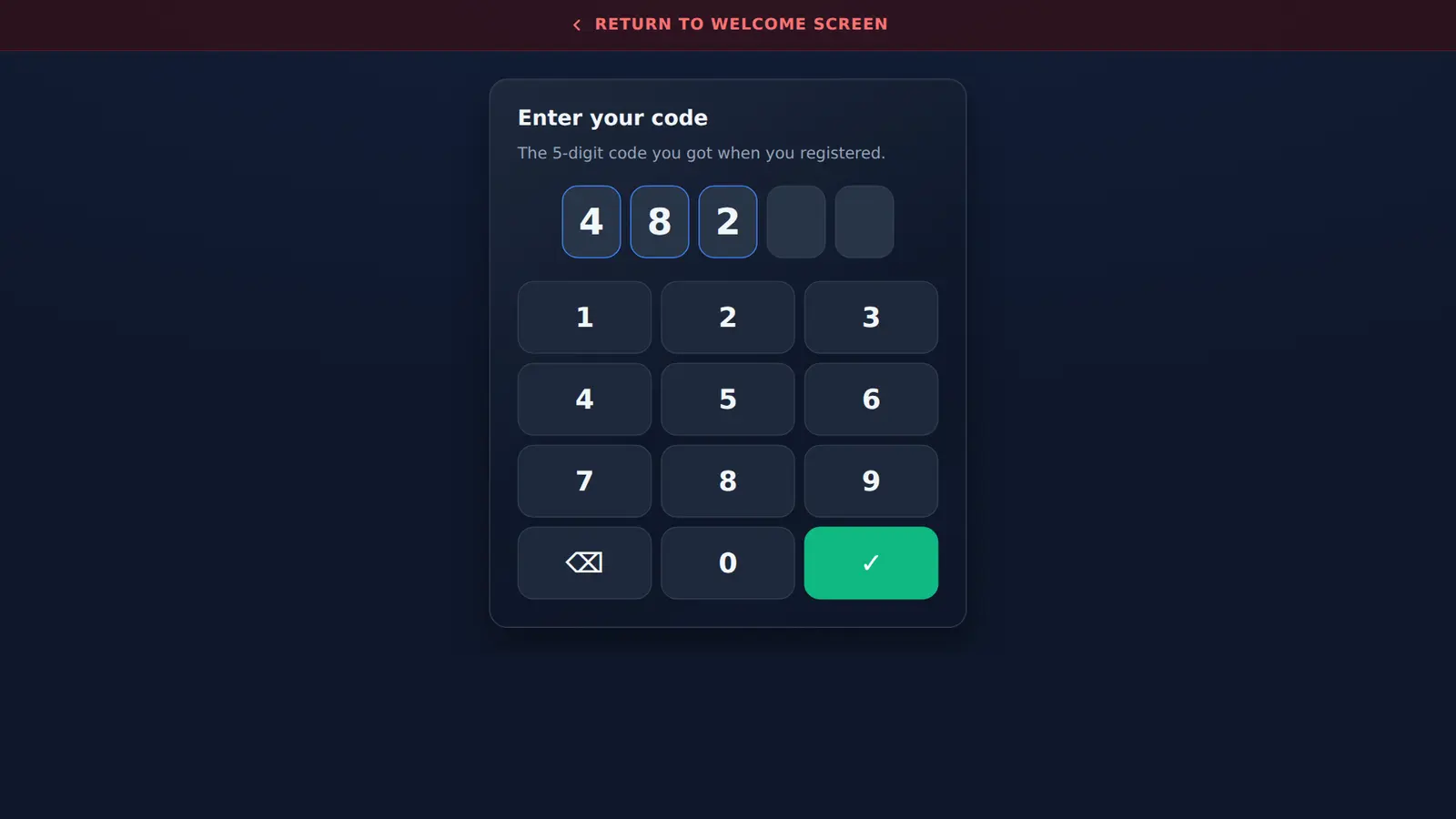
Staff sign-in and out, visitor and contractor sign-in, printed badges with a QR code, pre-registration with 5-digit codes, host and reception emails, an on-site view in the admin page, and a link to Mass Coms emergency roll call.
Can we choose which questions visitors are asked?
Yes. Name is always asked. Phone, organisation and who they are visiting are on the form, and car registration and reason for visit can be switched on in Settings.
Can visitors sign out at the kiosk?
Yes. The visitor screen shows everyone currently on site, with a Sign Out button next to each name and a button to reprint their badge.
What happens if someone walks away mid-way through signing in?
The kiosk returns to the welcome screen after two minutes without a tap.
See every screen in one demo.
We walk through staff, visitor and contractor sign-in, print a badge and show the admin page.