
Know who is in the building, not just who is booked in.
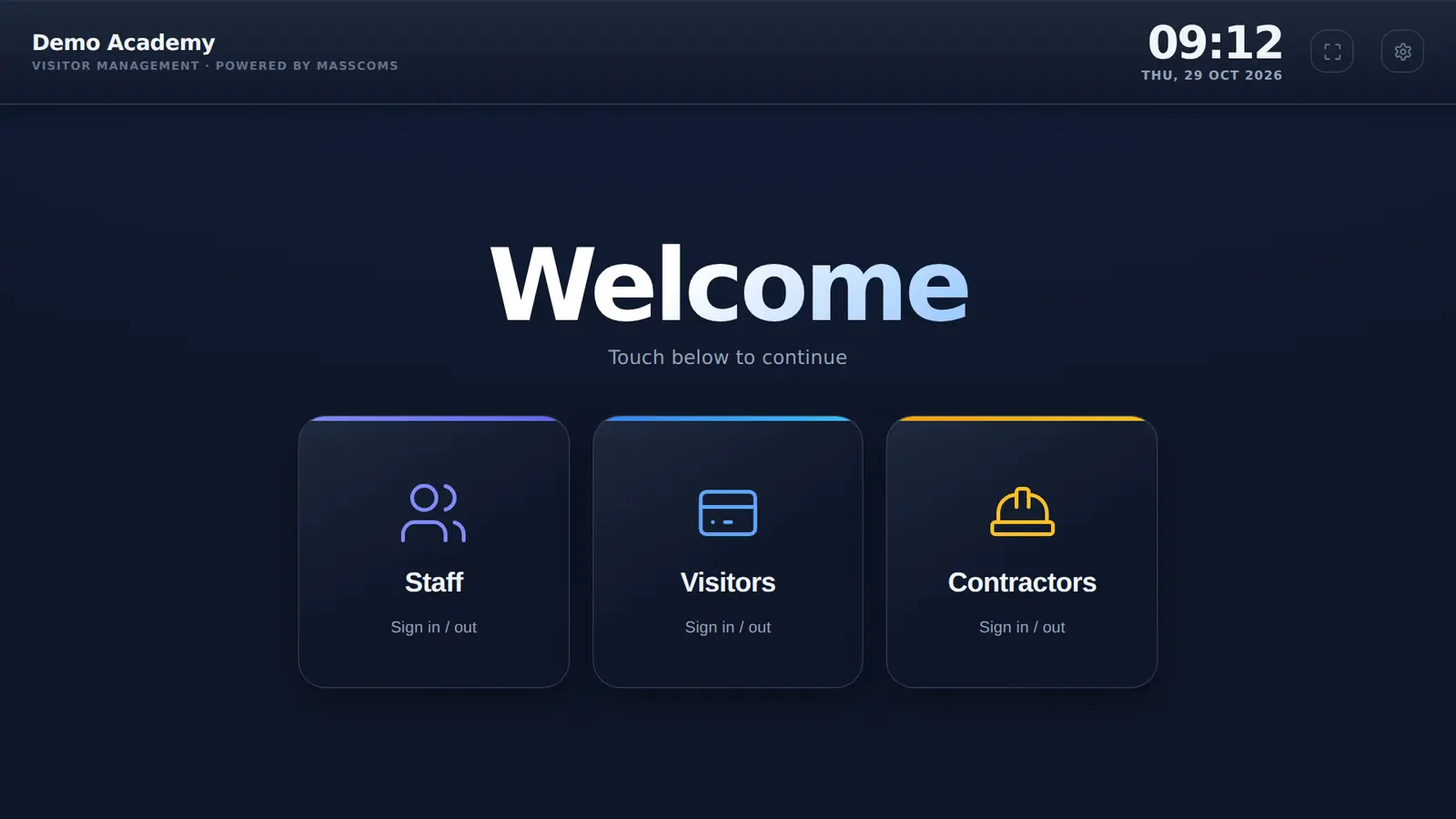
One kiosk at the front desk for visitors, contractors and staff. Visiting rules accepted before anyone goes further, and the people on site available to your incident team.
How does MassVisit help a healthcare or care setting?
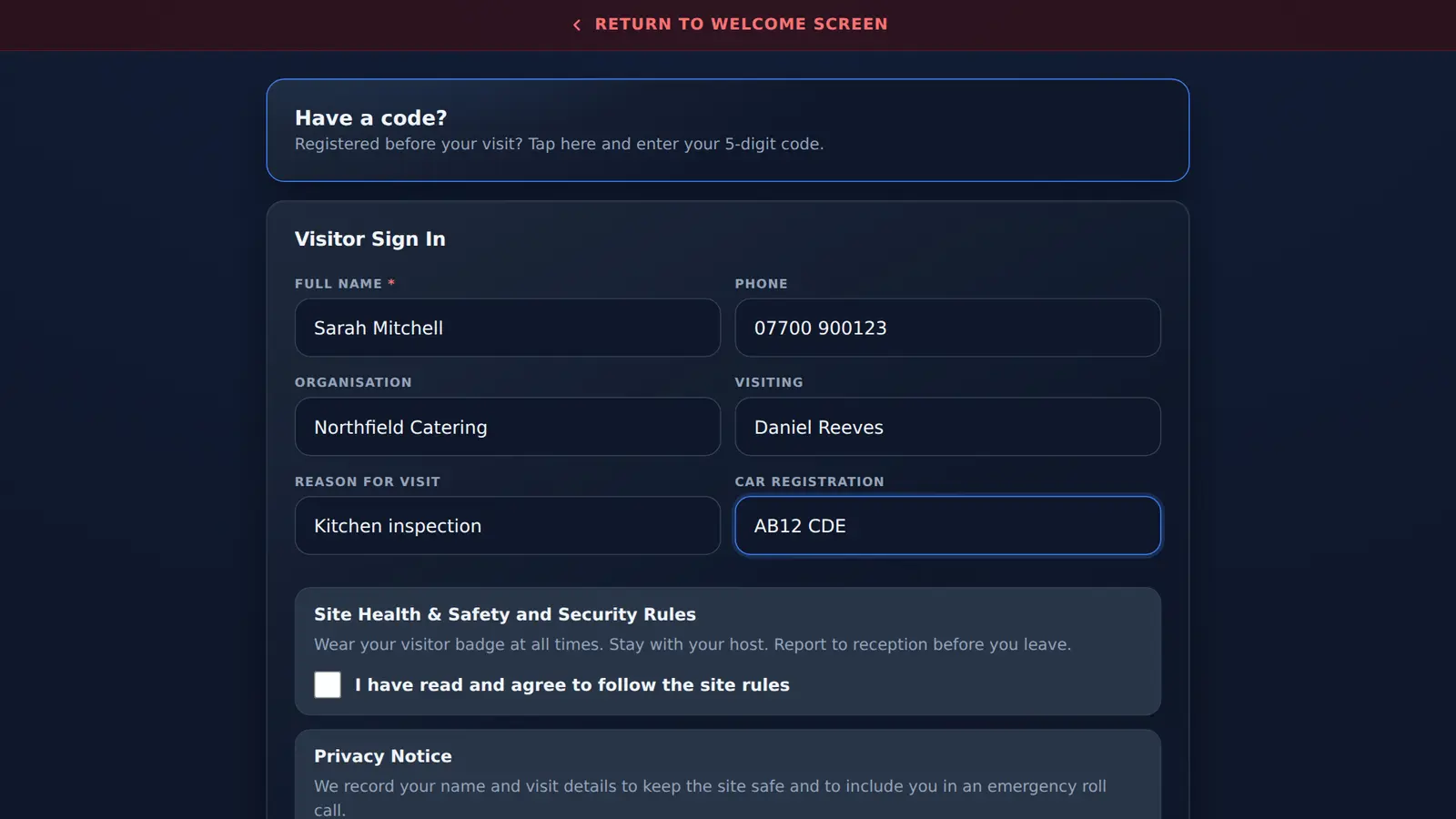
Visitors and contractors sign in, tick your current visiting rules and wear a badge naming who they are seeing. Staff sign in on the same kiosk. Changed rules reach the kiosk the next time it returns to its welcome screen, and the people recorded on site are shared with Mass Coms, so your incident team has a starting list.
- Rules change
- Edited in the admin page, no kiosk visit
- Visitor records
- One per visit, no saved profiles
- Incident list
- Shared with Mass Coms
- Price
- First site free in year one, then £499 per site per year, 3-year minimum
- Checked
What is different about a healthcare front desk.
Visitors come back often, rules change at short notice and staff rotas include people who are not on the payroll.
| Situation | What MassVisit does | What to agree locally |
|---|---|---|
| Visiting rules change, for example during an outbreak | Edit the rules in the admin page. The kiosk shows the new wording after its next return to the welcome screen | Who updates the rules, and when |
| The same relatives visit every day | Each visit is a new record. Pre-registration works for a booked date | Whether reception helps regular visitors sign in |
| Bank and agency staff | Staff sign-in lists the people on your staff list | Add them to the list, or have them sign in as visitors |
| Visitors who cannot use a touch screen | Reception can complete the form with them | An assisted sign-in process |
| Maintenance and contractors | Own sign-in route and own rules | Permits and document checks |
Privacy at a busy front desk.
The kiosk's visitor screen lists everyone currently on site, with their organisation and who they are visiting, so people can find their name and sign out. In a setting where who is visiting whom is sensitive, place the kiosk where that suits you, and say so in your privacy notice.
- Your own privacy notice, ticked before sign-in, time stored
- Back to the welcome screen after 2 minutes without a tap
- Optional questions stay off unless you switch them on
- Pre-registration email addresses are used once and not kept
A starting list for your incident team.
Visitors, contractors and signed-in staff are shared with Mass Coms roll call. Mass Coms supports communications and records; clinical, evacuation and patient-movement decisions stay with your incident team and local procedures.
Emergency roll call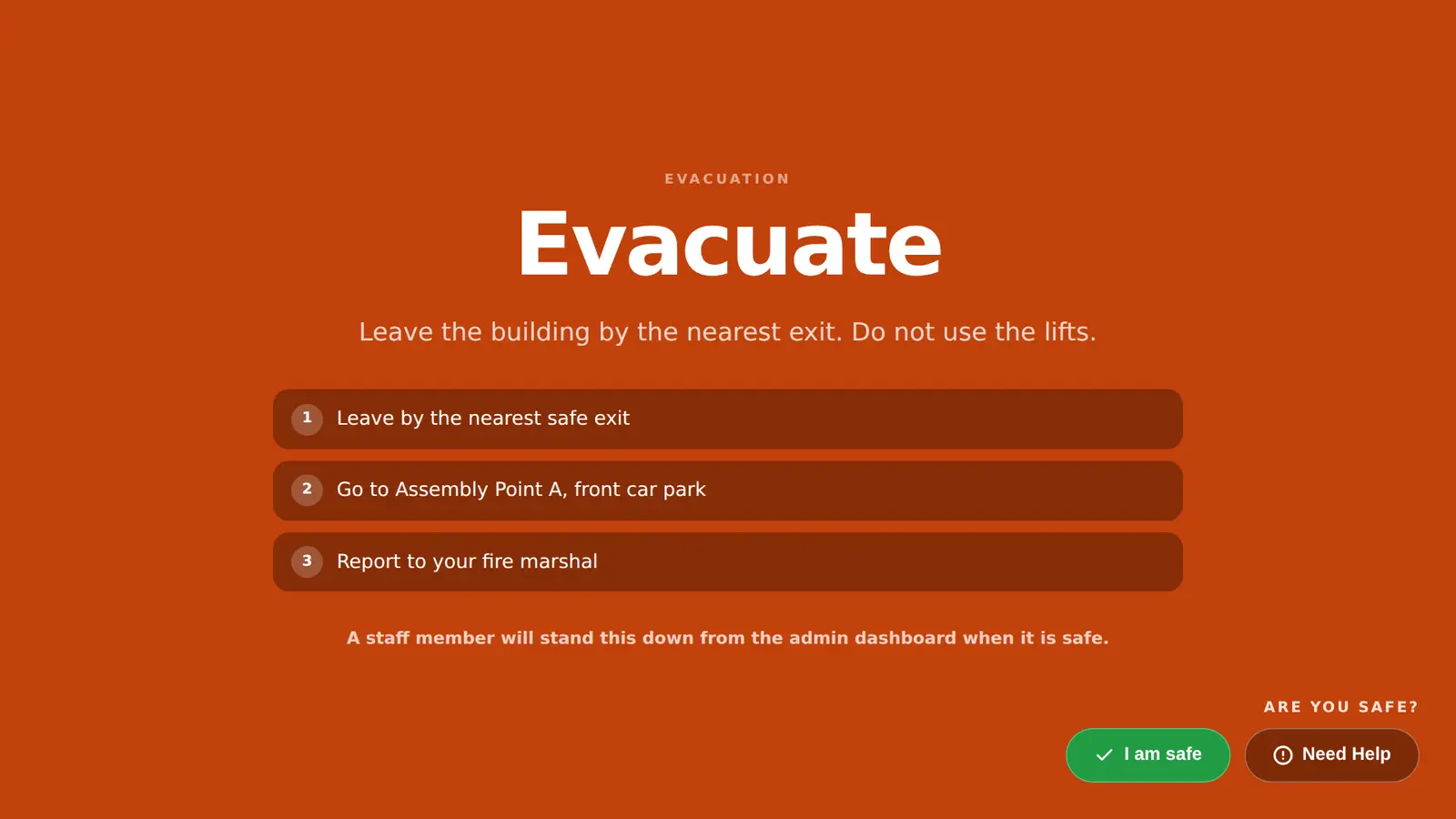
Priced per site.
Each geographically separate building or campus is a site.
First site, year one
£0
On a 3-year sign-up. Every MassVisit feature, including the link to roll call.
Every other site-year
£499 per site / year
Two care homes in different towns: £499 in year one, then £998 a year. £2,495 over 3 years.
3-year minimum term. Additional sites are £499 each per year from year one. No Mass Coms subscription is needed. Tablets and printers are not included. Full pricing
Questions from healthcare teams.
Every question answeredCan healthcare and care settings use MassVisit?
Yes. It records visitor, contractor and staff sign-in at the front desk, with your visiting rules accepted at sign-in and the people on site shared with Mass Coms for incident roll call.
How quickly do changed visiting rules reach the kiosk?
Edit the rules in the admin page. The kiosk reloads its settings when it goes back to the welcome screen after someone uses it (at most once a minute) and when the app restarts. Visitors tick the new wording from then on.
Do regular visitors have to fill in the form every time?
Yes. MassVisit does not keep visitor profiles between visits. A visitor can pre-register for a specific date and sign in with a code, but each visit is its own record.
How do bank or agency staff sign in?
Staff sign-in shows the people on your staff list. Add bank and agency staff to the list in the admin page, or ask them to sign in as visitors so they are still on the on-site list.
Can other visitors see who is signed in?
The visitor screen on the kiosk lists who is currently on site, with their organisation and host, so people can sign out. Place the kiosk with that in mind and say so in your privacy notice.
Does it make clinical or evacuation decisions?
No. Mass Coms supports communications and records. Clinical, evacuation and patient-movement decisions stay with your incident team and local procedures.
Talk through your front desk.
Bring your visiting rules and we will set up a demo kiosk to match.