
One kiosk, four kinds of front desk.
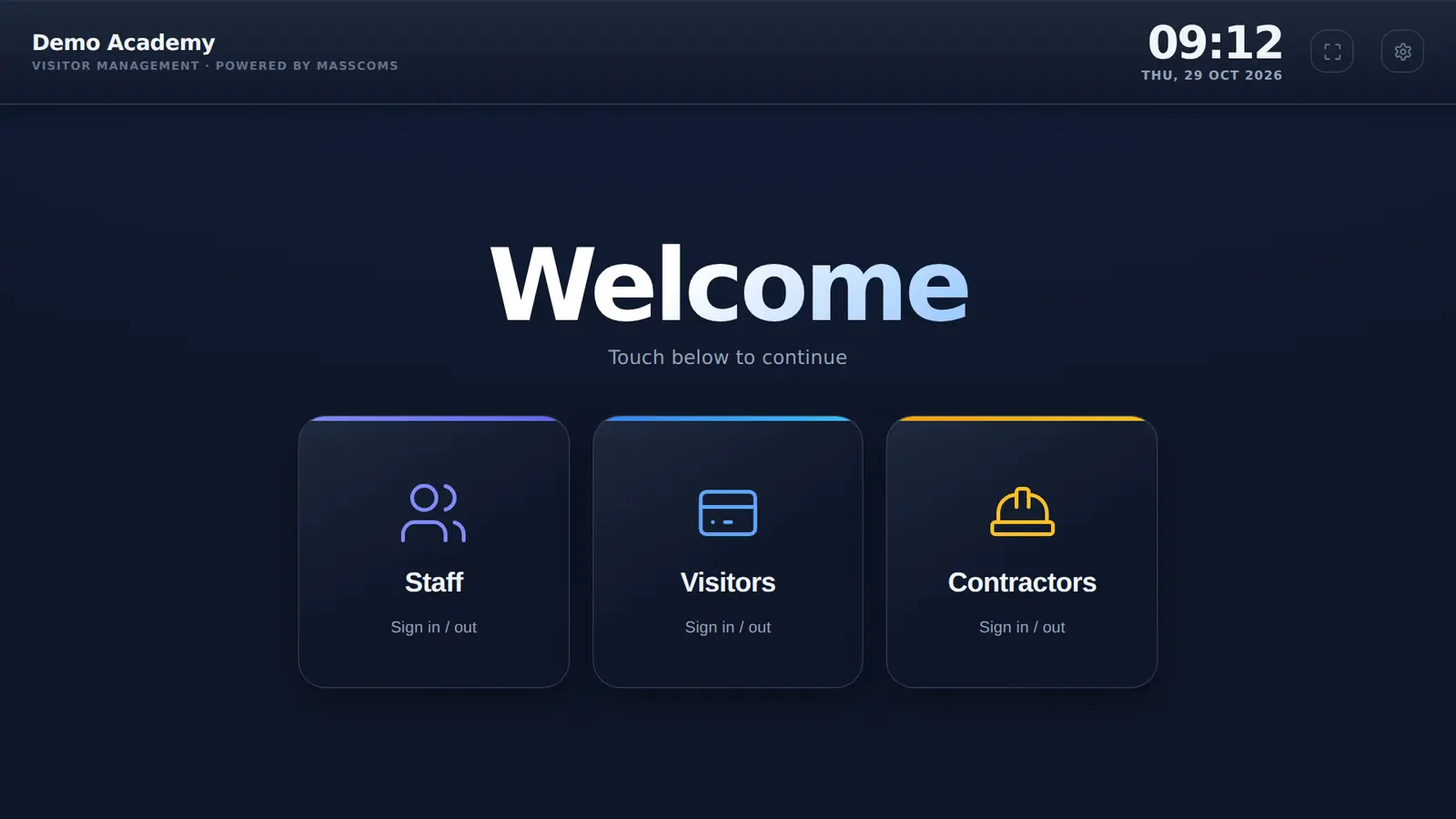
The kiosk is the same everywhere. What changes is who signs in, what you ask them and who needs to know they are here.
Who is MassVisit for?
UK organisations with a reception where staff, visitors and contractors come and go, and who need to account for those people in an emergency. It works on its own, and alongside the Mass Coms emergency platform, whose industry pages cover schools, colleges, universities, corporate offices, local authorities and healthcare.
- Same everywhere
- Kiosk, badges, codes, roll call
- Set per organisation
- Questions, rules, host emails
- Optional settings
- 5, all off by default
- Changes reach the kiosk
- Next return to the welcome screen
- Checked
Pick the page closest to your site.
Each one covers the part of MassVisit that matters most there.
Suggested settings by sector.
A starting point we use in demos. Every switch is yours to change in the admin page.
| Setting | Schools | Offices | Healthcare | Estates |
|---|---|---|---|---|
| Contractor sign-in | On | Often on | On | On |
| Car registration | Optional | On if you have a car park | Optional | On |
| Reason for visit | On | Optional | On | On, for the job or area |
| Email host on arrival | On | On | On, or a ward or team address | Optional |
| Email host on pre-registration | Optional | On | Optional | Optional |
| Rules to write | Safeguarding and site rules | Site and security rules | Visiting rules | Contractor induction |
Suggestions, not defaults. All optional settings start switched off.
What stays the same everywhere.
These do not depend on your sector or your settings.
- Staff sign-inName cards from your staff list, one tap and a confirm.
- BadgesVISITOR or CONTRACTOR, name, host, date and QR code, 86 x 60 mm.
- Pre-registrationA link, a date up to 30 days ahead and a single-use 5-digit code.
- Idle resetBack to the welcome screen after 2 minutes without a tap.
- Roll callEveryone signed in shared with Mass Coms as a starting list.
- Emergency screenAlert, spoken message and Are you safe? on the kiosk.
Sector questions.
Every question answeredWhich organisations is MassVisit for?
UK sites where staff, visitors and contractors come and go and you need to account for them in an emergency. The sector pages cover schools and colleges, offices and workplaces, healthcare and care settings, and estates teams managing contractors.
Is the product different for each sector?
No. The kiosk and features are the same. What changes is which questions you switch on, the rules you write and who you notify.
Which settings are on by default?
None of the optional ones. Contractor sign-in, car registration, reason for visit and both host emails start switched off, and the rules and privacy notice boxes start empty.
Can we change the settings later?
Yes, in the admin page at any time. The kiosk reloads its settings when it goes back to the welcome screen after someone uses it, at most once a minute, and when the app restarts.
Tell us about your reception.
We will set the kiosk up the way your front desk works and show you the result.