
School visitor management, set up for your school.
One kiosk at the office for staff, visitors and contractors. Badges at the hatch, rules accepted before anyone goes further, and the people on site ready for roll call.
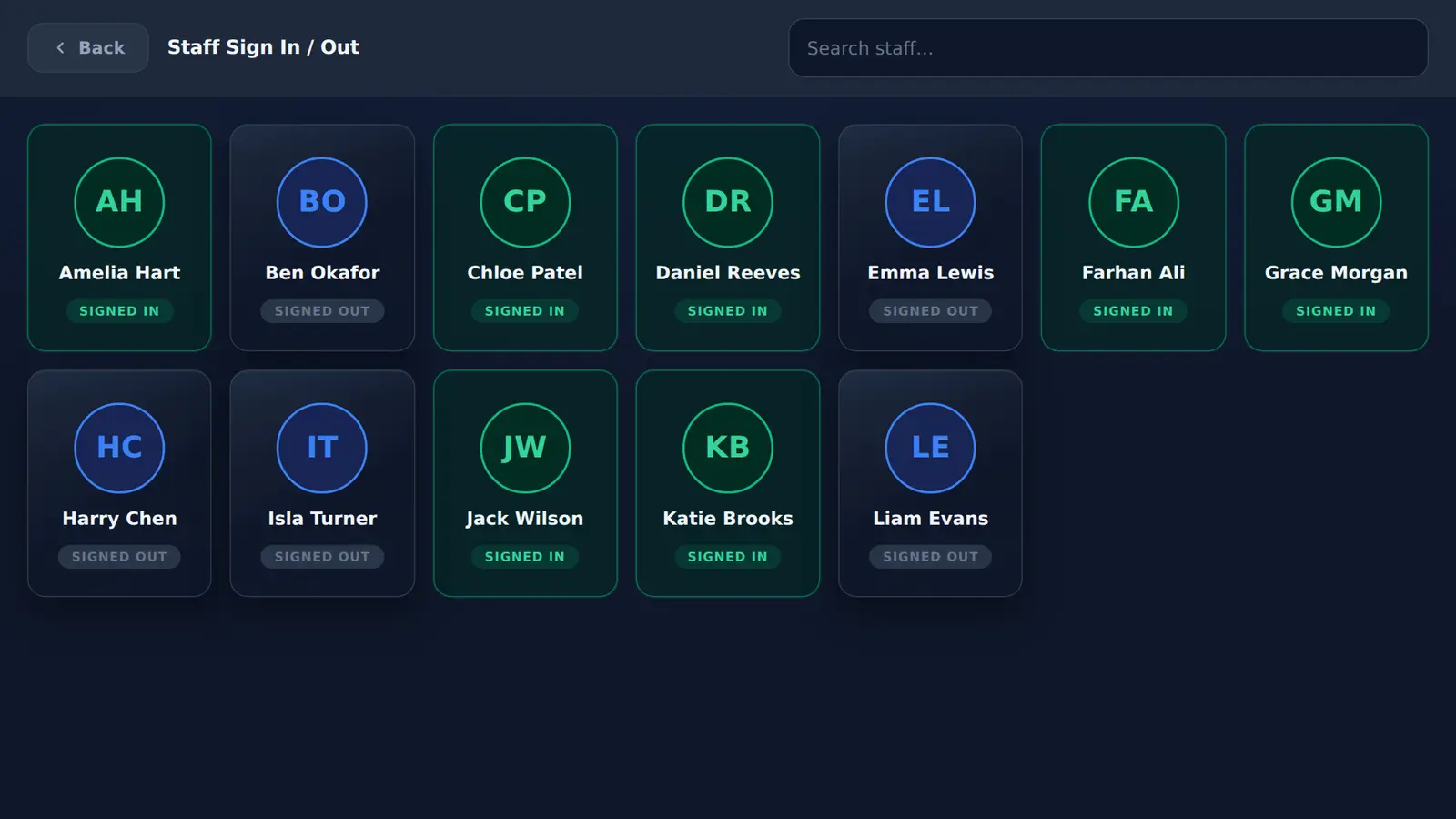
How does MassVisit work in a school?
Staff tap their name to sign in and out, visitors and contractors fill in a short form and print a badge, and expected visitors arrive with a 5-digit code. Everyone signed in is shared with Mass Coms, so a lockdown or evacuation roll call starts from the people recorded on site. Pupils are not on the kiosk; their attendance comes from your MIS through Wonde.
- At the office
- One kiosk: staff, visitors, contractors
- Pupils
- From your MIS, not the kiosk
- Martyn's Law tier
- Schools stay standard tier at any size
- Price
- First site free in year one, then £499 per site per year, 3-year minimum
- Checked
Pick your kind of school.
The kiosk is the same. The pressures at the office are not.
What the kiosk does for safeguarding, and what it does not.
Inspectors ask how visitors are managed. This is the honest split between the system and your procedures.
| Safeguarding step | MassVisit | Your school |
|---|---|---|
| Record who arrived and when | Yes, with sign-out time | Check missed sign-outs |
| Show who a visitor is with | Host name on the badge | Escort where your policy says |
| Rules accepted before entry | Tick box, time stored | Write the rules |
| Check identity | No | ID check at the hatch where required |
| DBS and Single Central Record | No | Check as your procedures require |
| Assisted sign-in | Office staff can complete the form with someone | Agree who does it |
Pupils come from your MIS. Everyone else comes from the kiosk.
MassVisit connects to your MIS through Wonde. Staff and pupil records are imported instead of being typed in, and pupil attendance marks feed the roll call. MassVisit adds the people your MIS does not know about: visitors, contractors and staff signing in and out during the day.
- Works with the MIS systems Wonde supports
- Visitors and contractors labelled separately in roll call
- One list for the response team, not three
Questions schools ask.
Every question answeredIs MassVisit a school visitor management system?
Yes. It gives the school office one kiosk for staff, visitors and contractors, with badges, pre-registration and host emails, and shares everyone signed in with Mass Coms roll call for lockdown and evacuation.
Does electronic sign-in replace safeguarding checks?
No. Signing in records an arrival. It does not check identity, DBS status or whether someone should be on site. Keep your safeguarding procedures.
Does MassVisit connect to the Single Central Record?
No. It does not read or update your Single Central Record. Keep checking visitors against it as your procedures require.
Do pupils sign in on the kiosk?
No. The kiosk is for staff, visitors and contractors. Pupil attendance comes from your MIS through Wonde, which connects to the MIS systems Wonde supports.
How much does school visitor management cost?
On a 3-year sign-up the first site is free in year one, then £499 a year. A second campus needs its own licence at £499 a year from year one. No Mass Coms subscription is needed.
See the school office setup.
We set up a demo kiosk with your school name, sign in a visitor and run a practice lockdown.