
Secondary school sign-in for a site with more than one door.
A long staff list, a sports hall with its own entrance and contractors all summer. Put a kiosk at each entrance and they all work from one list.
How does MassVisit work in a secondary school?
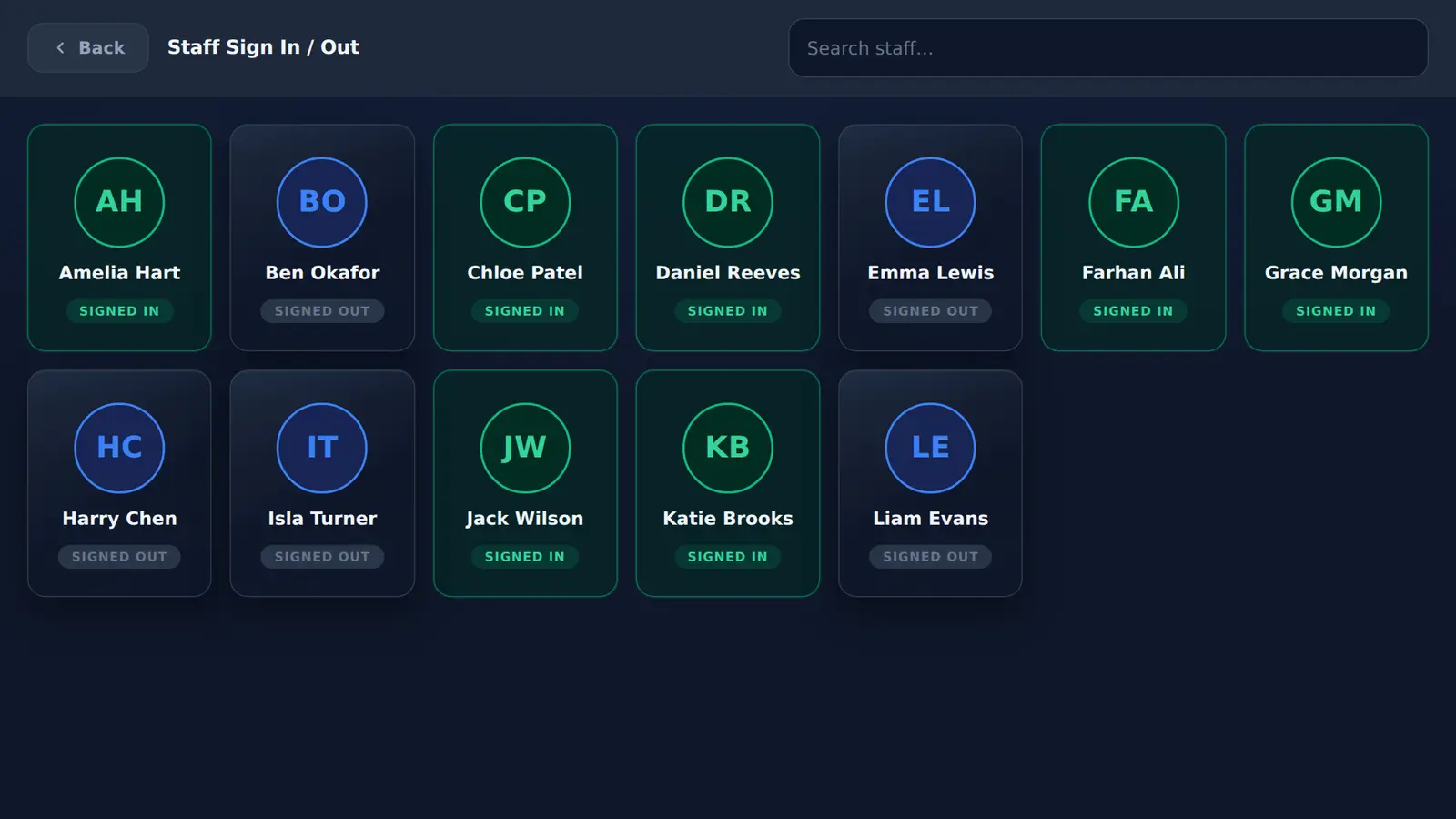
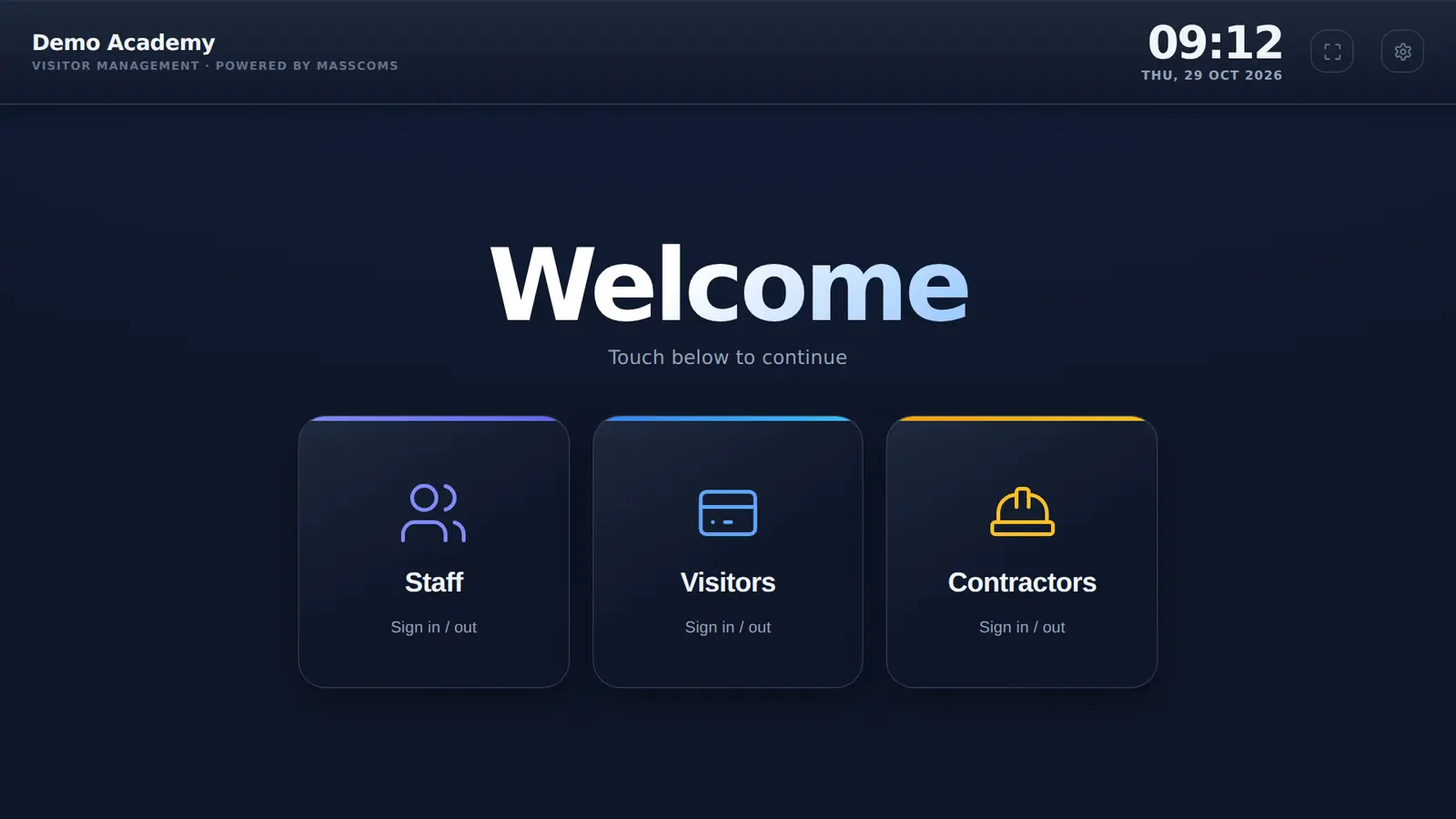
Staff find their name with the search box and tap in and out. Visitors and contractors sign in at whichever entrance they use, print a badge and their host is emailed. Every kiosk on the site shares one list, which goes to Mass Coms roll call if you lock down or evacuate.
- Kiosks
- More than one per site, one shared list
- Staff list
- Search box for long lists
- Students
- From your MIS, not the kiosk
- Martyn's Law
- Standard tier at any size
- Checked
What is different at a secondary school.
Bigger site, bigger staff list, more ways in.
| Pressure | What MassVisit does |
|---|---|
| Several entrances | Enrol a kiosk at each. They share one staff list, visitor list and settings |
| A long staff list | Search box above the name cards |
| Contractors in the holidays | Contractor sign-in with its own rules and a CONTRACTOR badge |
| Car park and deliveries | Optional car registration on the sign-in form |
| Hosts across a big site | Arrival email to the member of staff being visited |
| Lockdown across blocks | The kiosk shows the alert; the on-site list goes to roll call |
Sign in at the sports hall, sign out at reception.
Each kiosk is enrolled to your school's organisation with its own revocable credential. They all read and write the same list, so visitors can leave by whichever door is nearest and the on-site count stays right.
- One credential per kiosk, revocable on its own
- Same rules and questions on every kiosk
- Location set per site for the evacuation route
Secondary school questions.
Schools hubCan a secondary school have more than one kiosk?
Yes. Each kiosk is enrolled to your school's organisation and shares the same staff list, visitor list and settings, so someone who signs in at one entrance can sign out at another.
How do staff find their name in a long list?
The staff screen has a search box above the name cards. Staff type part of their name and tap their card.
Do students sign in on the kiosk?
No. The kiosk is for staff, visitors and contractors. Student attendance comes from your MIS through Wonde, which connects to the MIS systems Wonde supports.
Is a large secondary school in the enhanced tier for Martyn's Law?
No. Qualifying secondary schools stay in the standard tier at any size, according to the guidance summarised on masscoms.com. Check the Home Office and SIA for the current position.
See a multi-entrance setup.
We enrol two demo kiosks and show a visitor signing in at one and out at the other.